Posted by Andrew.
Like most other browsers, Google Chrome can be fine-tuned by typing "about:command" to show information about version number, memory usage, cached files, plug-ins and more details. Here's the full list:
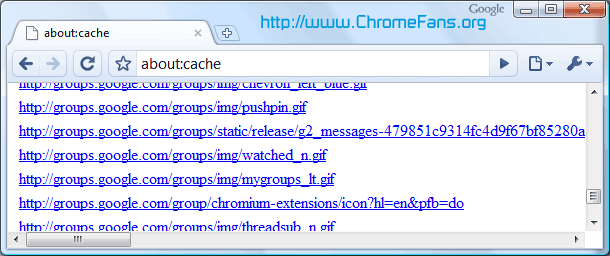
- about:cache - A list of all the web pages cached by Google Chrome
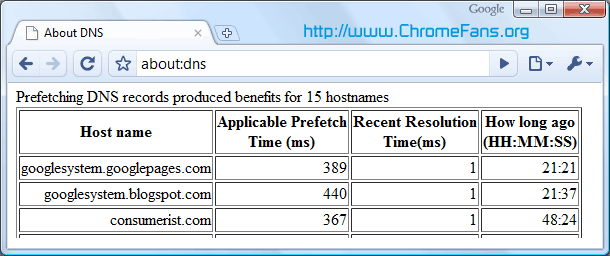
- about:dns - Prefetching DNS records produced benefits
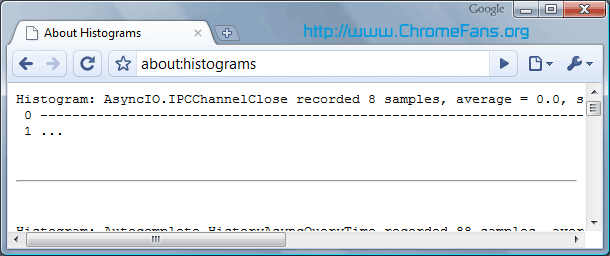
- about:histograms - A list of histograms for Google Chrome's internal metrics
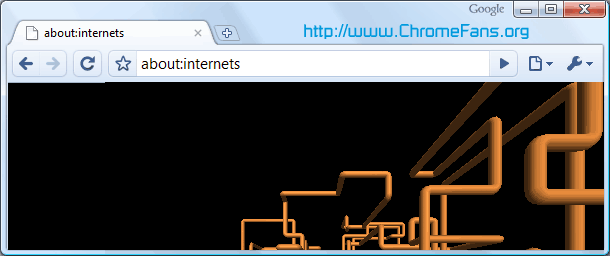
- about:internets - Google Chrome's humorous Easter egg
- about:memory - Measuring memory usage in a multi-process browser
- about:network - Used for I/O tracking
- about:plugins - The list of plug-ins that are available in Google Chrome
- about:stats - A list of internal counters and timers
- about:version - Shows the version number the browser, WebKit and JavaScript V8 engine
- view-cache:[URL] - Shows you some under-the-hood cache details
- view-source:[URL] - Shows the source code.
Here are some about: page screehshots from my Windows Vista:
1. Google Chrome Page - about:cache
Shows A list of all the web pages cached by Google Chrome.
Google Chrome Page - about:dns
Google Chrome prefetches the DNS records for 10 frequently visited hostnames. This feature can be disabled in Options > Under the Hood by unchecking "Use DNS pre-fetching to improve page load performance".
Google Chrome Page - about:histograms
A list of histograms for Google Chrome's internal metrics
Google Chrome Page - about:internets
This is a Google Chrome's Easter egg. It embeds the 3D Pipes screensaver from Windows, so you'll see it only if you have the file sspipes.scr in C:WindowsSystem32.
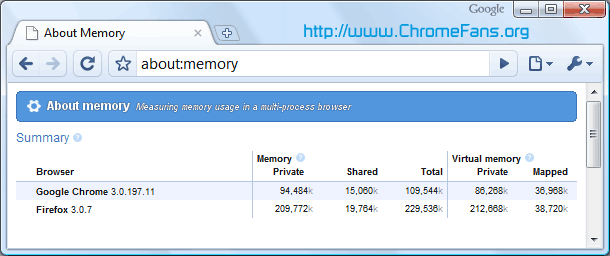
Google Chrome Page - about:memory
Summary of memory used by currently active browsers and details of memory usage of each of Chrome's processes.
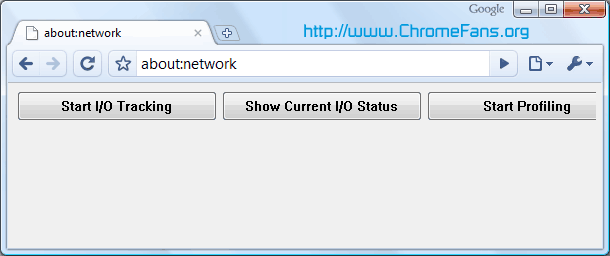
Google Chrome Page - about:network
This page could be used for I/O tracking and it's a partial replacement for the Live HTTP Headers extension. Click on "Start I/O tracking", open a web page in a new tab and you'll get a list of all the images, scripts and objects loaded from that web page.
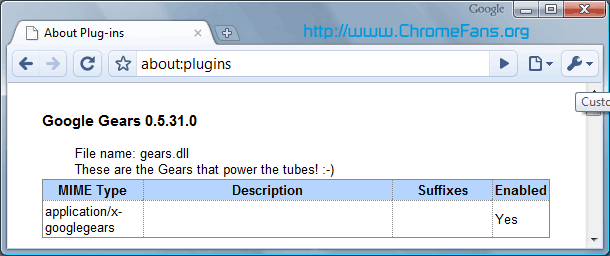
Google Chrome Page - about:plugins
The list of plug-ins that are available in Google Chrome
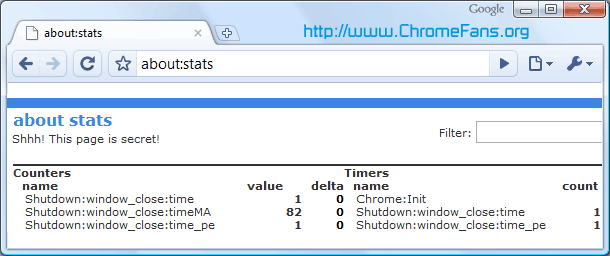
Google Chrome Page - about:stats
A list of internal counters and timers that has a funny subtitle "Shhh! This page is secret!".
Google Chrome Page - about:version
This page shows the version number of Google Chrome, WebKit and JavaScript V8 engine. You can also find the user-agent used by Google Chrome:
Mozilla/5.0 (Windows; U; Windows NT 6.0; en-US) AppleWebKit/525.13 (KHTML, like Gecko) Chrome/0.2.149.27 Safari/525.13

Google Chrome Page - view-cache:[URL]
Shows you some under-the-hood cache details

Google Chrome Page - view-source:[URL]
Shows the source code. it's same as right-clicking on a page and choosing "View page source".
![Google About Page - view-source:[URL]](https://image.chromefans.org/id3/google-chrome-view-source.png)
- Previous article: How do I adjust my security settings to high level?
- Next article: How do I edit or add my search engine options in Google Chrome?
Hello Robert, could you tell me the version of your Chrome and Windows?
Is this option available in one of the dev/beta releases? Any ideas?
Or is my Chrome just b0rked?
i've to reinstall them all over again. i'd expected a trendy browser as chrome to have extension management as breezy as firefox.
so i've decided to continue firefox because of:
1. foremost, its unbeatable safety and security,
2. speed, yes, not as fast as chrome, but way faster than ie7/8,
3. ease of addon and theme management, chrome has to take even the first step.
http://otaqui.com/blog/539/complete-list-of-special-google-chrome-urls/
Thats the page people more likely need to tweak.
[text]This dumps a list of all usable behind-the-scenes techki hidden configuration options
[/text]
Quote:
-- Nagesh
Full list of Google Chrome about: pages